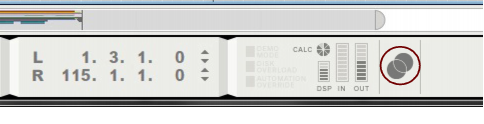
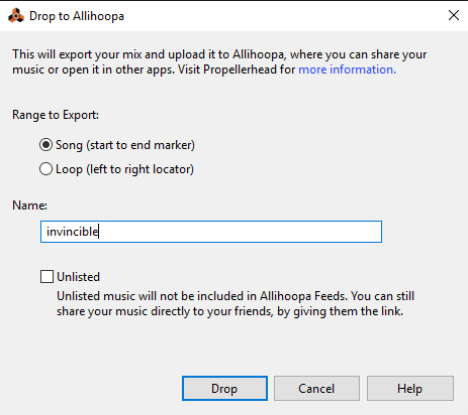
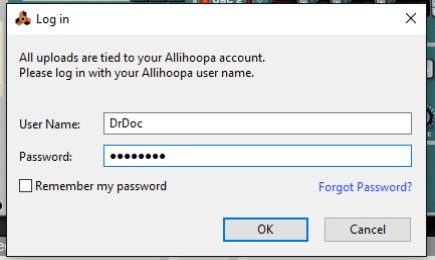
In addition to the regular audio export and bounce functions, you can drop a song or a part of a song to your Propellerhead account, where you can play it back and also use it in other Propellerhead applications. You can also share your uploaded songs with others, see “Drop to Allihoopa”.

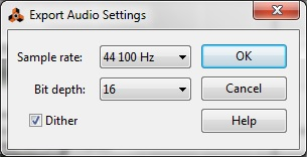

|
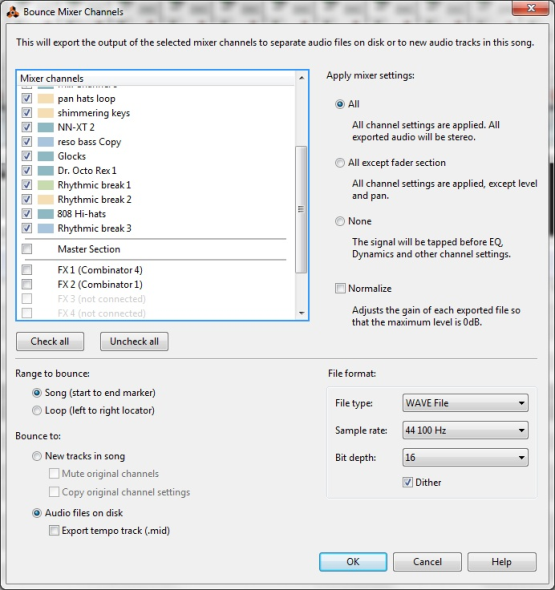
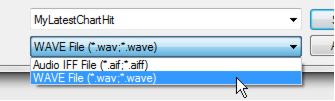
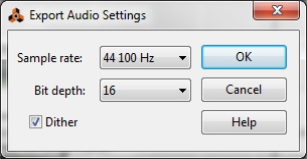
The exported audio file will also contain tempo data as described in “About Tempo data in exported audio files”.
See “Bounce Clip(s) to New Sample(s)” in the “Audio Editing in the Sequencer” chapter for more details.
See “Bounce Clip(s) to New Recording(s)” in the “Audio Editing in the Sequencer” chapter for more details.
See “Bounce Clip to REX Loop” in the “Audio Editing in the Sequencer” chapter for more details.
A special audio export feature is the “Drop to Allihoopa” function. This lets you export a song, or part of a song (loop), in a proprietary format and automatically upload it to your Allihoopa account at www.allihoopa.com. The dropped (uploaded) audio can then be imported into other applications, such as the Take iOS app, and you can also share your exported files with others if you like.